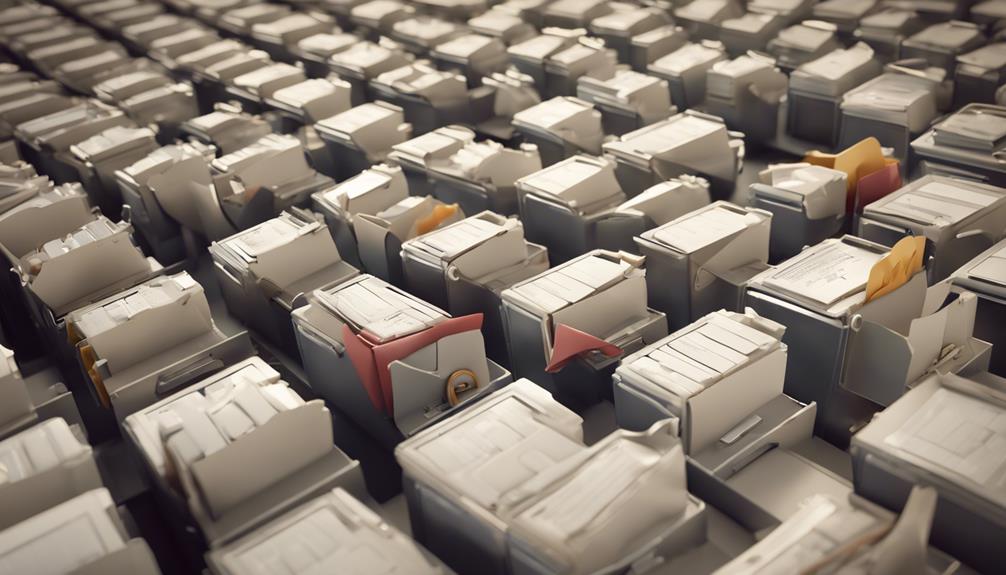
The point of archiving your messages is to keep your inbox tidy and manage your emails more effectively. By storing important emails away, you're not only organizing your digital space but also preserving vital information that captures key moments and decisions. This helps you find specific information quickly, enhancing your productivity and ensuring you stay on top of your obligations. It also reduces the load on your email server, leading to improved system efficiency, and ensures compliance with legal standards. By keeping these organized records, you're preparing yourself to draw upon a wealth of information that could illuminate future pathways.
Enhancing Email Management

To enhance your email management, start by organizing your inbox into clear, actionable categories. This simple step not only tidies up your virtual space but also makes you feel more connected and in control. You're part of a community that values efficiency and clarity in communication.
Think about how you interact daily. Your inbox should reflect your roles and responsibilities. Create folders for different projects, teams, or topics. For instance, have a folder for "Current Projects," another for "Team Updates," and maybe one for "Personal." This way, you're not just sorting emails; you're prioritizing your involvement and ensuring you don't miss out on important group communications or updates.
Next, establish a routine to regularly review and sort emails. Set a specific time each day for this task. By doing so, you're committing to stay on top of your emails, which shows your dedication to your group's goals and timelines. It's a shared struggle among many, and being proactive about it places you right in the heart of a supportive community.
Preserving Important Information
Archiving your emails is a crucial step in preserving important information and maintaining accessibility. When you save those crucial conversations, you're not just keeping records; you're ensuring that every piece of valuable information remains at your fingertips, safe from accidental deletions or email mishaps. It's like creating a personal library where every book holds a story or a piece of advice you might need someday.
Think of it this way: every email you archive is a thread in the larger tapestry of your personal or professional history. You're building a legacy, one message at a time. Whether it's a heartfelt note from a friend, an important invoice, or a milestone agreement from your workplace, each email is a snapshot of a moment that mattered. By archiving, you're respecting the significance of those moments.
Moreover, this practice connects you to your past and future. You're not just organizing; you're curating a collection of your life's interactions and achievements. Everyone wants to feel like they belong to a story larger than themselves, and your archived emails are tangible evidence of your interconnected role in various narratives, personal and professional alike.
Improving Search Efficiency

Improving search efficiency lets you quickly locate specific emails when you need them most. It's about feeling part of a well-oiled machine, where every piece of information is right at your fingertips. Imagine being able to pull up any email from any point in time within seconds. This isn't just convenient; it's empowering. You're no longer sifting through heaps of digital messages, feeling lost in the chaos. Instead, you're in control, able to navigate through your archived messages with ease.
By archiving, you're not just storing emails; you're categorizing them into a searchable system that understands the context of your needs. Whether it's a project update from months ago or a crucial client communication, you've got an efficient way to backtrack and retrieve information without hassle. This boosts your productivity and ensures that you're always a step ahead in your communications.
Additionally, think of the collaborative benefits. When your team needs access to past discussions or decisions, they can independently find what they need without interrupting others. It fosters a sense of community and efficiency, making everyone's job easier and more connected. So, by enhancing search efficiency through archiving, you're not just improving your workflow; you're strengthening your entire team's dynamics.
Ensuring Legal Compliance
You must often ensure your archived messages comply with legal standards to avoid potential legal issues. It's not just about staying out of trouble; it's about being part of a community that values responsibility and integrity. When you adhere to these regulations, you're demonstrating respect for both the law and the trust others place in you.
Remember, various industries have specific compliance requirements that you can't afford to overlook. For instance, in healthcare, you're bound by HIPAA to protect patient information, while in finance, regulations like SOX or GDPR dictate how you handle financial data. These aren't just guidelines; they're mandatory frameworks that help safeguard personal and sensitive information from misuse or exposure.
Moreover, keeping up with these legal standards isn't just about avoiding fines or penalties. It's about contributing to a safer, more trustworthy environment where everyone can feel secure. When you ensure compliance, you're helping to uphold the values that bind your community together. You're not alone in this; everyone benefits from the collective effort to maintain high standards. So, take pride in your role in this important task—it strengthens the bonds within your professional circle and enhances the overall integrity of your field.
Reducing Server Load

Reducing server load can significantly enhance your system's efficiency and responsiveness. When you're part of a team, it's crucial everyone pitches in to keep the digital workspace clean and organized. By archiving old messages, you're not just tidying up; you're actually making everyone's job a bit easier. It's like clearing out old files from a shared office space, ensuring the whole team can function better and faster.
Protecting Data From Accidents
How can archiving messages protect your data from accidental loss or corruption? Well, think about how often you've accidentally deleted an email or a chat message. It happens to the best of us, doesn't it? By archiving, you're essentially creating a safety net. If you ever find yourself hitting 'delete' too quickly, or if an app malfunctions and wipes recent messages, you won't have to panic. Your archived messages are stored safely away from the usual risks that come with active data handling.
This isn't just about safeguarding against your own mistakes, though. It's about protecting the community you're part of. In any group, be it a work team or a family chat, losing messages can mean losing memories, important information, or decisions. When you archive, you're looking out not only for yourself but for everyone in your circle. It's a way of ensuring that no accidental loss diminishes the shared history or disrupts the communication flow you all rely on.
Facilitating Data Analysis
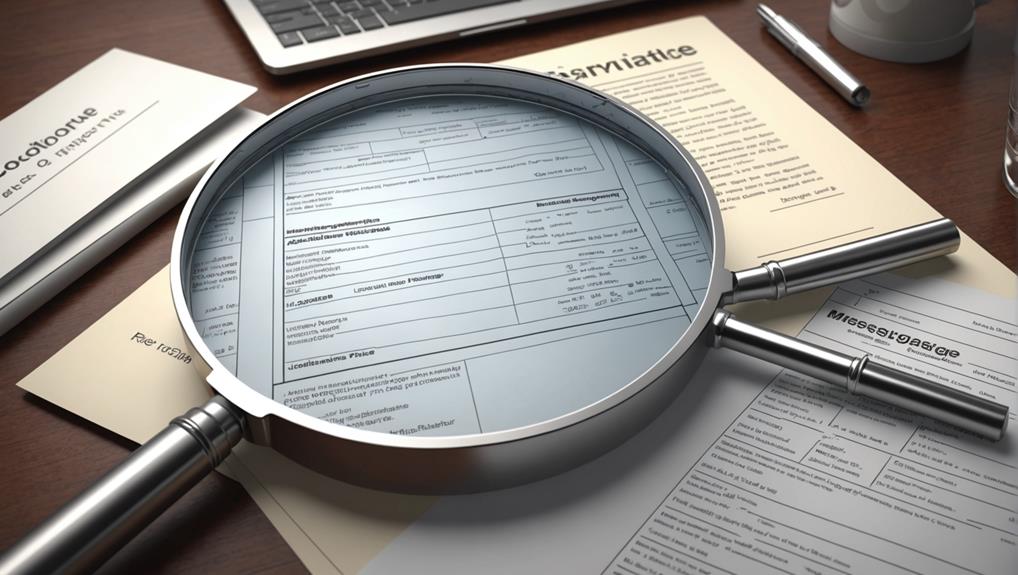
Archiving messages streamlines data analysis by organizing your communications into an easily searchable database. When you're part of a team, it's crucial that everyone feels included and able to access information quickly and efficiently. By archiving, you're not just storing old messages; you're creating a shared resource that everyone can tap into. This helps to ensure that you're all on the same page, fostering a sense of unity and cooperation.
Imagine you're looking for specific feedback or data shared in past communications. Instead of sifting through thousands of emails or messages, you can simply search the archive using keywords. This ease of access not only saves you time but also reduces the stress associated with digging through disorganized data. It's about making everyone's life easier and more connected.
Moreover, analyzing these archives can uncover patterns and trends within your communications that can lead to better decision-making. You'll start to notice common questions, prevalent challenges, or frequent requests. Harnessing this knowledge, you can anticipate needs, streamline processes, and improve overall communication strategies within your group. Thus, archiving isn't just about preservation; it's about enhancing the way you all work together, making each member feel valued and informed.
Aiding in Historical Reference
Beyond organizing and analyzing current interactions, archived messages also serve as vital historical references for your team. Imagine you're part of a long-term project or an ongoing discussion thread. As new members join, they'll need to understand the backstory and decisions made before their time. Here's where archived messages become invaluable. They let everyone on the team access past conversations, ensuring that no one feels left out or uninformed.
Archived messages act as your team's collective memory. You can look back on them to understand how certain decisions shaped the project's direction or to celebrate milestones and successes that brought everyone closer together. It's like having a detailed diary of your team's journey, allowing each member to feel connected and integral to the shared history.
Moreover, having access to archived messages means you can trace the evolution of ideas and strategies over time. This isn't just useful for nostalgia; it's a practical tool for learning from past experiences. By revisiting old conversations, you can identify patterns, understand mistakes, and reinforce successful tactics. It's a way to ensure that every team member, regardless of when they joined, has a sense of belonging and an understanding of how their contributions fit into the larger narrative.
Supporting Backup Strategies

Archived messages also bolster your backup strategies, ensuring all critical information is duplicated and safe. Imagine the peace of mind knowing that your important conversations, decisions, and plans are preserved, not just floating somewhere in the digital ether. You're not just saving data; you're securing a part of your community's memory bank, a shared digital heritage that strengthens your collective identity.
When you archive messages, you're essentially creating a fail-safe. If your primary systems take a hit—be it from a technical glitch, a cyberattack, or even just accidental deletion—your archives act as a safety net. They ensure that nothing vital slips through the cracks. You're never starting from scratch; you've got a foundation to rebuild from, and that's empowering. It's like having a backup of a backup, reinforcing your resilience against unforeseen disruptions.
Moreover, by integrating archiving into your backup strategy, you're not alone. You're part of a larger community that values preparedness and continuity. Everyone's on the same page, understanding the importance of safeguarding your shared information. It's a collective effort that not only protects but also unites, ensuring that no one is left behind in the face of challenges.
Conclusion
You've seen how archiving messages can streamline your email management, safeguard vital information, and boost search efficiency. By archiving, you're not only complying with legal standards but also reducing server load and protecting data from unexpected mishaps. It aids in analyzing data and offers a backup that supports both historical reference and recovery efforts. So, keep your digital life organized and secure by making archiving a regular part of your communication strategy.